
Implementing a FEAST feature store to ease ML model development workflows
As the only employee focused on data engineering and machine learning at my company it quickly become painfully obvious that I would need to develop systems which allowed for simple, standardized, reproducible and easily iterated upon workflows. This is especially true when it comes to the development of machine learning models. The goal of this post is to describe how I implemented a feature store using the open source FEAST project to help with this.
What is a feature store?
A feature store is a centralized repository of features which can be used to train machine learning models. Features are the inputs to a machine learning model and are typically derived from raw data. A feature store allows for the reuse of features across multiple models and the ability to easily update features as the underlying data changes. This is especially useful when you have a large number of models which share common features, and when one person is responsible for the development of multiple models.
Why use a feature store?
Generally speaking, the motivation behind leveraging a feature store was to reduce the amount of time spent on data engineering tasks and to increase the amount of time spent on model development. In some cases, there is additional motivation to simply be able to combine features from multiple datasets into a single, standardized dataset for reference across the company (without needing to worry about designing SQL queries to do so).
The other benefit of a feature store is the ability for it to serve 'online' features to a model, ie. the most recent data point for each relevant entity requested. This is useful when you want to serve predictions from a model in real time.
Implementation
FEAST utilizes a data store, an offline store, and an online store. The data store is where the raw data is stored. The offline store is where the features are stored after they have been computed. The online store is where the features are stored in a format which is optimized for serving predictions, typically the most recent data point for each relevant entity requested. The data store and offline store can be the same, but the online store should be optimized for serving predictions. For example, the online store could be a Redis cache, or a database optimized for serving predictions. For our development purposes, I leveraged a single PostgreSQL database for all three stores, to reduce the complexity of the implementation and time required from our overstretched IT department.
Adding Data, Configuring Features
In general, most 'cleaned' datasets in the company are generated using Tableau's ETL tool Tableau Prep. One option for the output of a Tableau Prep flow is to dump the dataset into a local PostgreSQL database. This is what we did for our data store. We then used the FEAST Python SDK to configure the features we wanted to compute and store in the offline store.
An example for Avocet, our primary database for verified well production data.
from datetime import timedelta

from feast import (Entity, FeatureView, Field)
from feast.types import Float32

uwi = Entity(name="uwi", join_keys=["uwi_id"])

from feast.infra.offline_stores.contrib.postgres_offline_store.postgres_source import \
   PostgreSQLSource

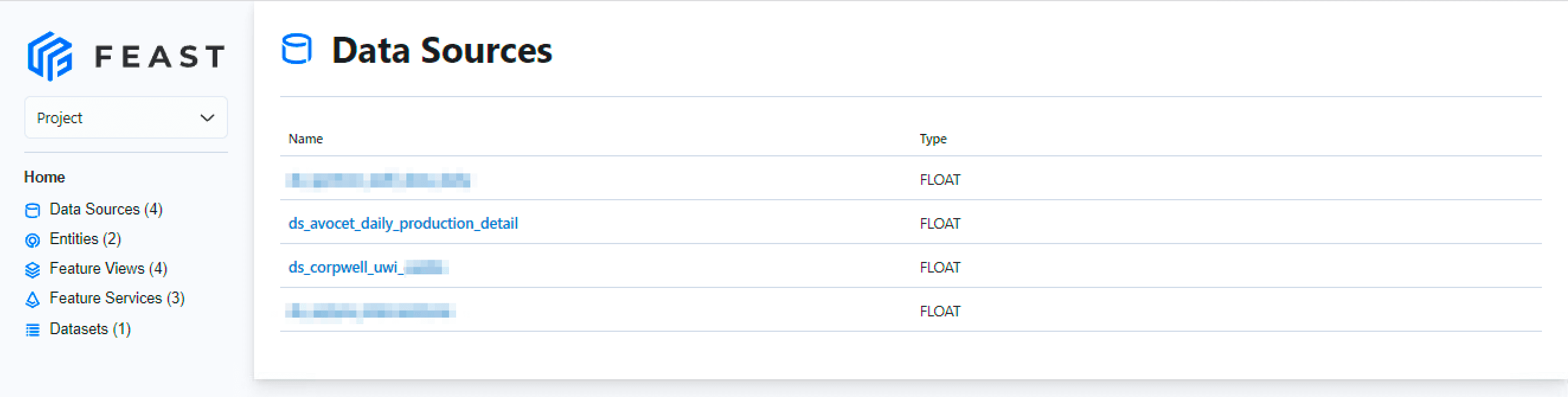
ds_avocet_daily_production_detail = PostgreSQLSource(
   name="ds_avocet_daily_production_detail",
   query="SELECT * FROM ds_avocet_daily_production_detail",
   timestamp_field="production_date",
)

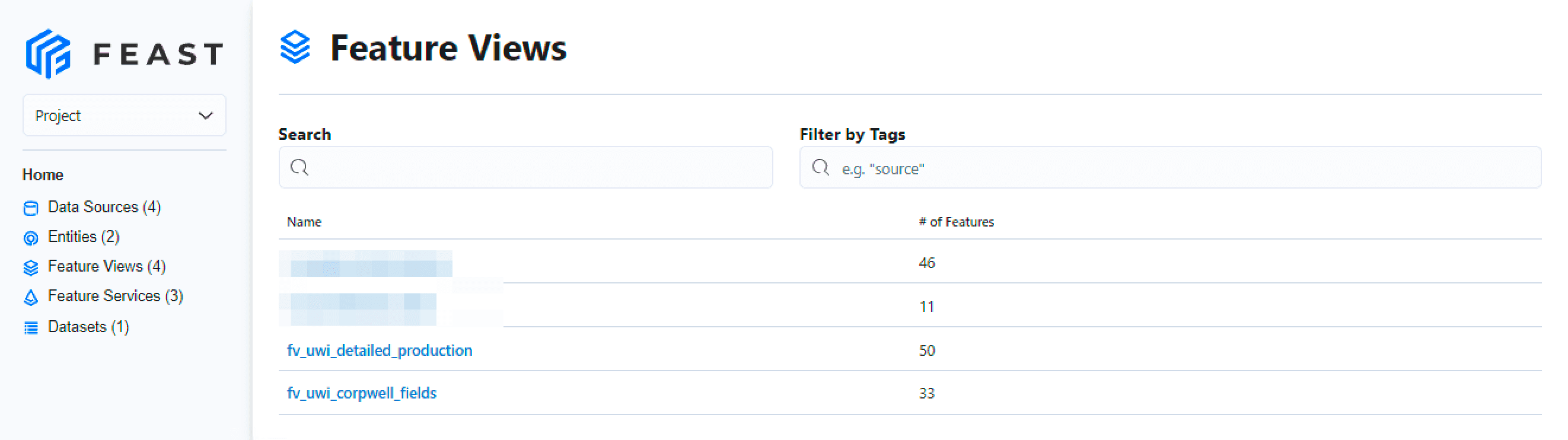
fv_uwi_detailed_production = FeatureView(
   name="fv_uwi_detailed_production",
   entities=[uwi],
   ttl=timedelta(days=1),
   schema=[
       Field(name="gas_gross_boe", dtype=Float32),
       Field(name="oil_gross_bbl", dtype=Float32),
       Field(name="gross_boe", dtype=Float32),
   ],
   online=True,
   source=ds_avocet_daily_production_detail,
   tags={"source": "avocet"},
)
and similarly for our corporate well list
from datetime import timedelta

from feast import (Entity, FeatureView)

uwi = Entity(name="uwi", join_keys=["uwi_id"])

from feast.infra.offline_stores.contrib.postgres_offline_store.postgres_source import \
    PostgreSQLSource

ds_corpwell_uwi_canlin = PostgreSQLSource(
    name="ds_corpwell_uwi_canlin",
    query="SELECT * FROM ds_corpwell_uwi_canlin",
    timestamp_field="feast_timestamp",
)

fv_uwi_corpwell_fields = FeatureView(
    name="fv_uwi_corpwell_fields",
    entities=[uwi],
    ttl=timedelta(days=10000), # Large TTL to ensure older production data can pull static fields from corporate well
    schema=[
        # Schema left empty to pull all columns from the source
    ],
    online=True,
    source=ds_corpwell_uwi_canlin,
    tags={"source": "corpwell"},
)
Serving Features
Once the features are configured and the data loaded (from Tableau Prep) into the Data Store (PostgreSQL), we define a Feature Service which includes the specific features we would like returned on run.
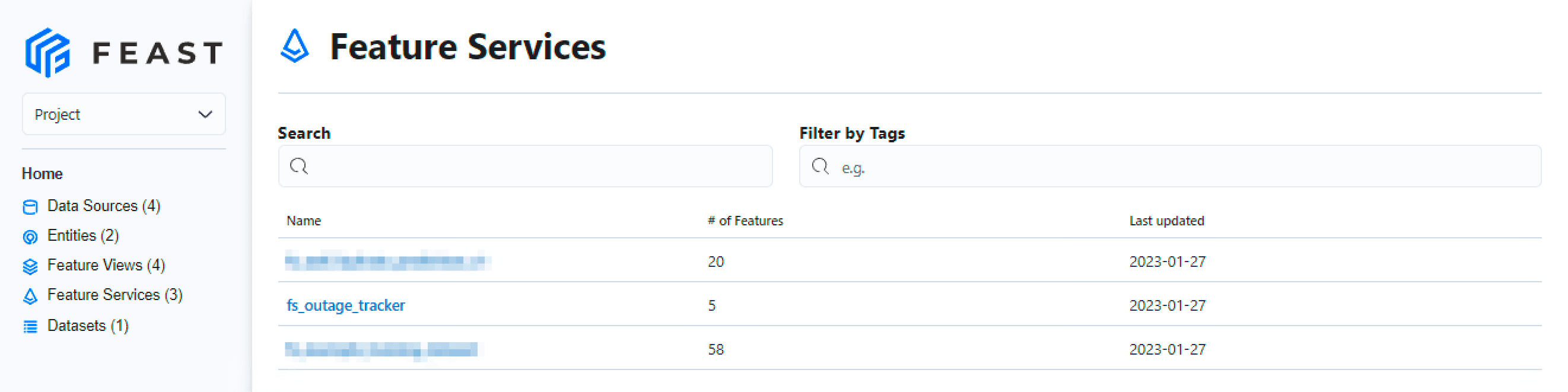
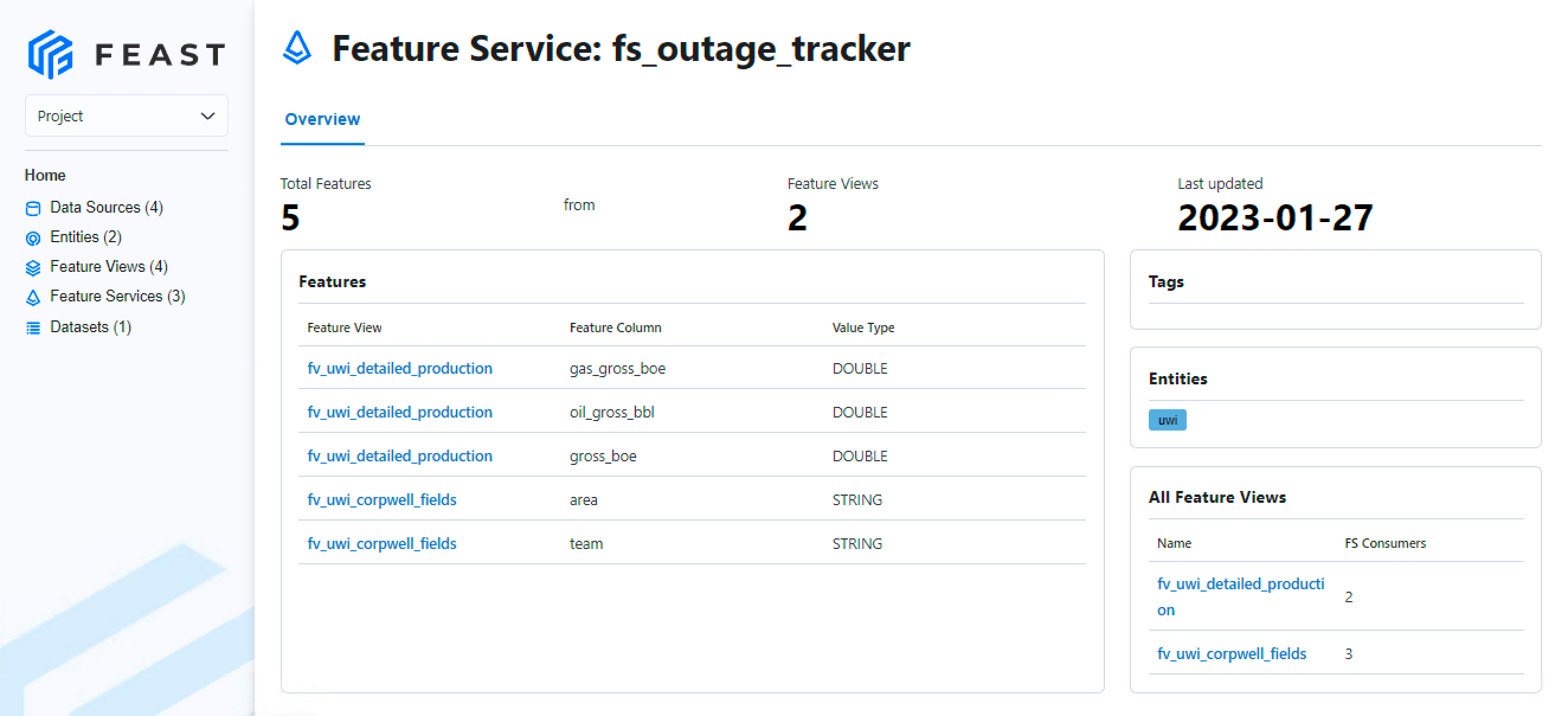
For example, a feature service pulling a few features from Avocet, and a few features from Corporate Well, for the purposes of training an outage tracker model.
from feast import (
    FeatureService,
)

from avocet_config import fv_uwi_detailed_production
from corpwell_config import fv_uwi_corpwell_fields

fs_outage_tracker = FeatureService(
    name="fs_outage_tracker",
    features=[fv_uwi_detailed_production[[
                "gas_gross_boe",
                "oil_gross_bbl",
                "gross_boe",
                ]],
              fv_uwi_corpwell_fields[[
                "team",
                "area"
                ]]
              ]
)
Now in any Python script, we can pull the features from the Feature Service using the following code.
We need to pass in a list of entities (in this case, UWI's) as well as the corresponding dates related to the data we would like to pull. Here we are passing in a list of UWI's and a start and end date, then calculating the entity_df required for the feature service call.
import itertools

import pandas as pd
from feast import FeatureStore

def example():
    store = FeatureStore(repo_path="**PATH_TO_REPO**")

    query = {"entities": ["**uwi_id_1**", "**uwi_id_2**"], "start_date": "2023-01-10", "end_date": "2023-01-17", "freq": "1D"}
    entity_df = create_entity_df(query)

    print("\n--- Historical features for training---")
    historical_job = fetch_historical_features_uwi_df(store, entity_df, 'fs_outage_tracker')

def create_entity_df(query):
    dates = pd.date_range(start=query['start_date'], end=query['end_date'], freq=query['freq']).tolist()
    all_combinations = list(itertools.product(query['entities'], dates))
    entity_df = pd.DataFrame(all_combinations, columns=['uwi_id','event_timestamp'])
    return entity_df


def fetch_historical_features_uwi_df(store: FeatureStore, entity_df: pd.DataFrame, feature_service_name: str):

    ## Using the defined Feature Store
    training_df = store.get_historical_features(
        entity_df=entity_df,
        features=store.get_feature_service(feature_service_name),
    )

    print(training_df.to_df().head())

    return training_df


if __name__ == "__main__":
    example()
Returns the following:
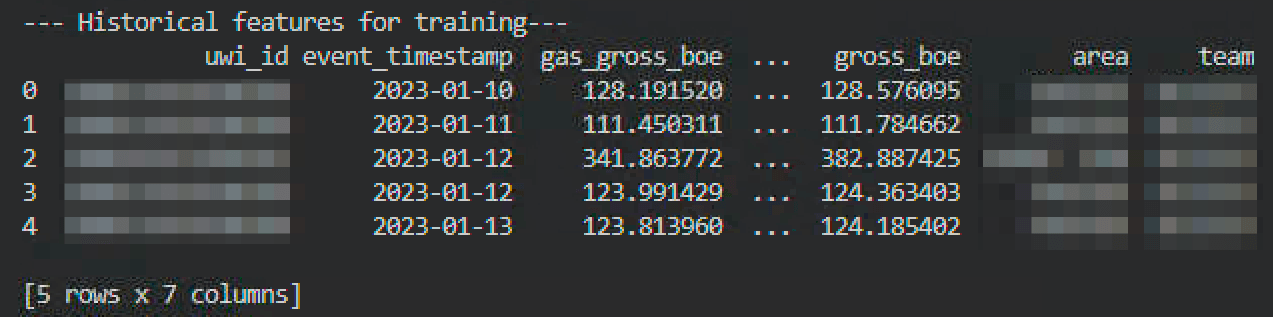
Example (printed) output. Use the returned 'historical_job' for training.
No joins required, no data cleaning required, no data transformations required. The data is ready to be used for training or visualizing. Pretty great stuff!